
Graphic Tutorial
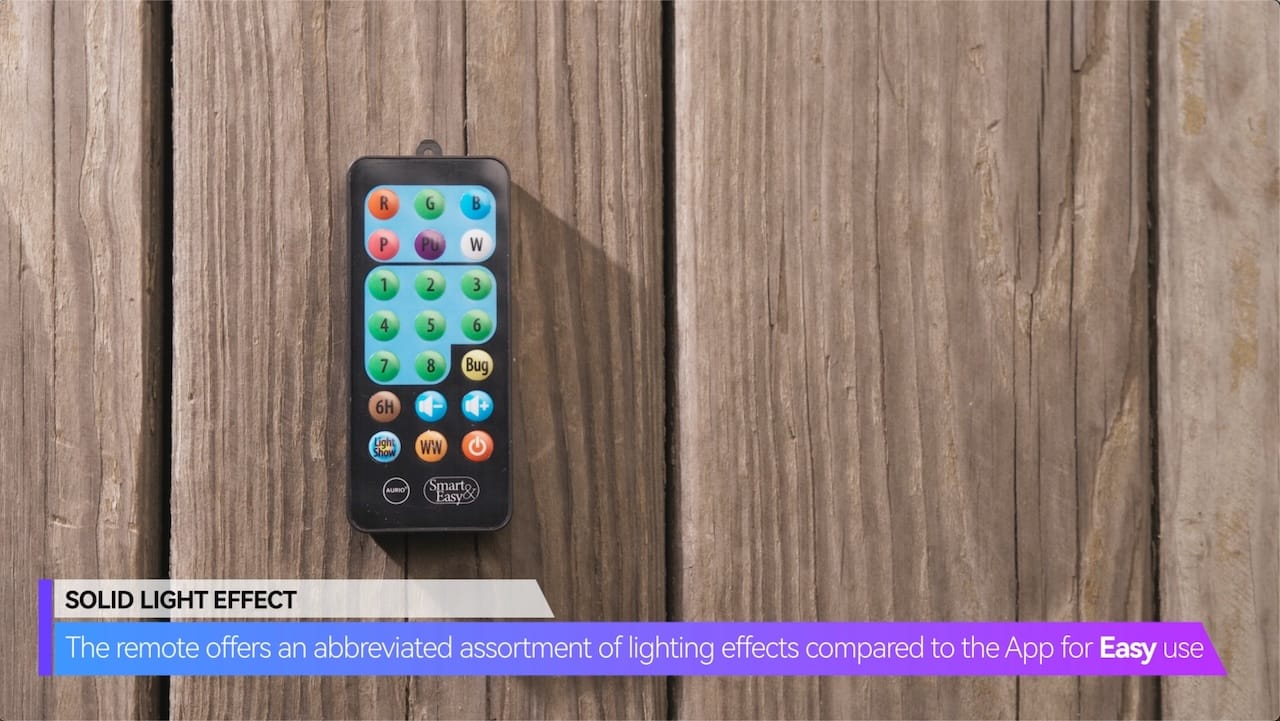
SOLID LIGHT EFFECT
The remote offers an abbreviated assortment of lighting effects compared to the App for Easy use
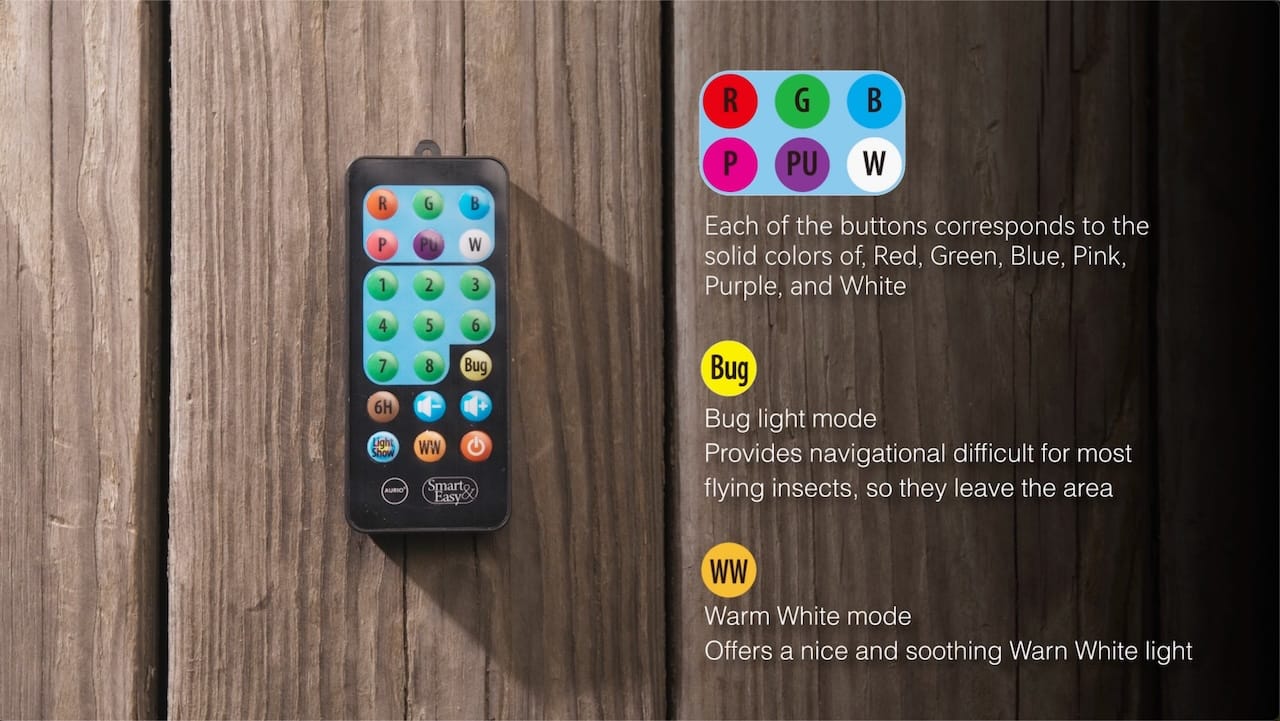
Each of the buttons corresponds to the solid colors of, Red, Green, Blue, Pink, Purple, and White
Bug light mode
Provides navigational difficult for most flying insects, so they leave the area
Warm White mode
Offers a nice and soothing Warn White light
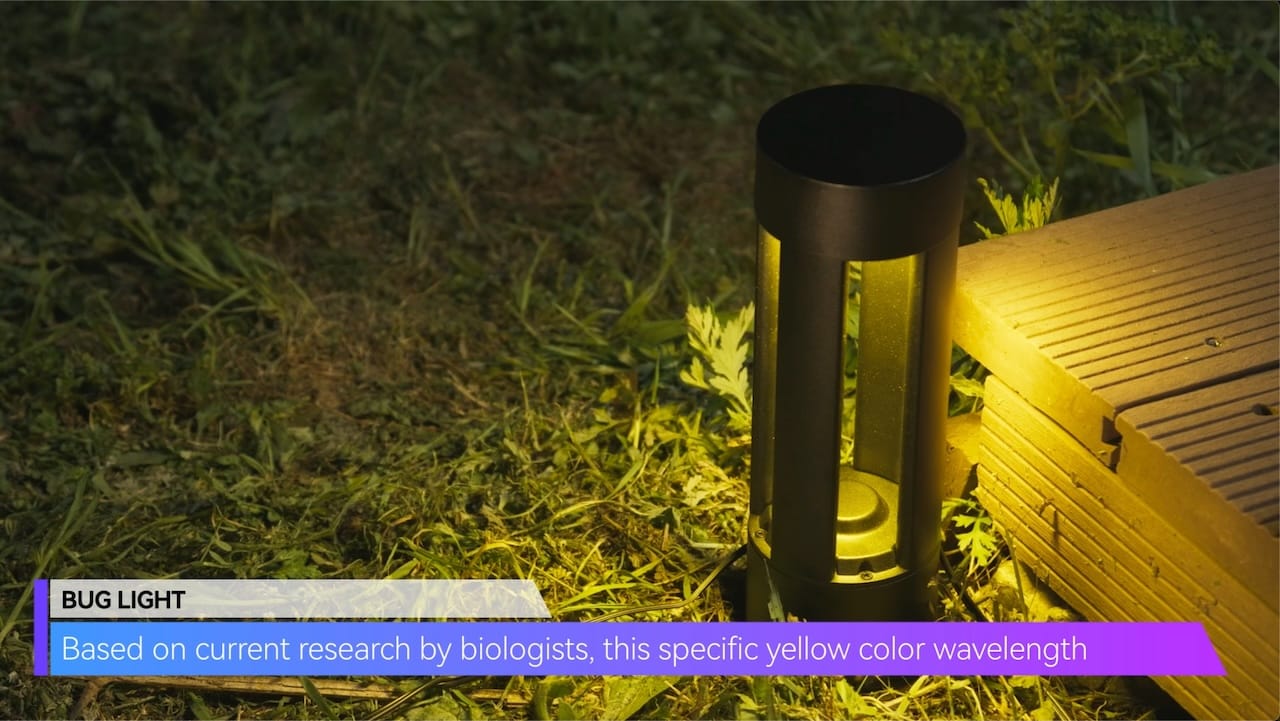
BUG LIGHT
Based on current research by biologists, this specific yellow color wavelength
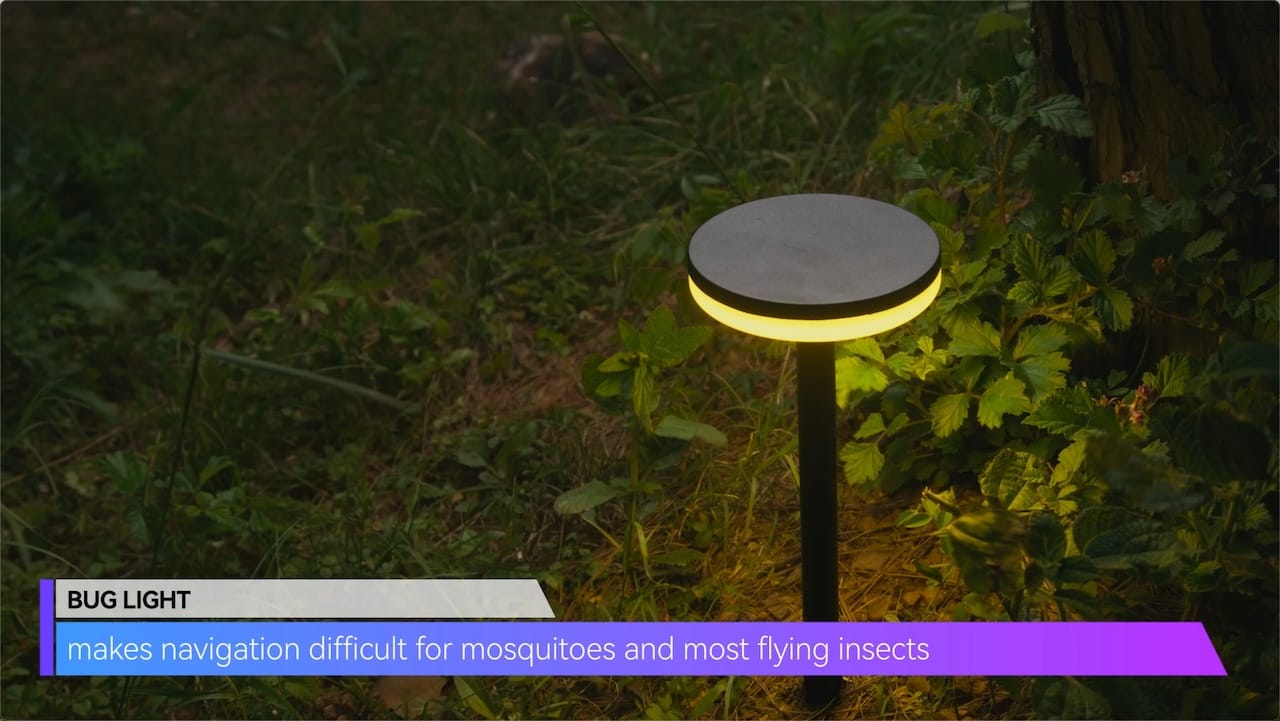
makes navigation difficult for mosquitoes and most flying insects
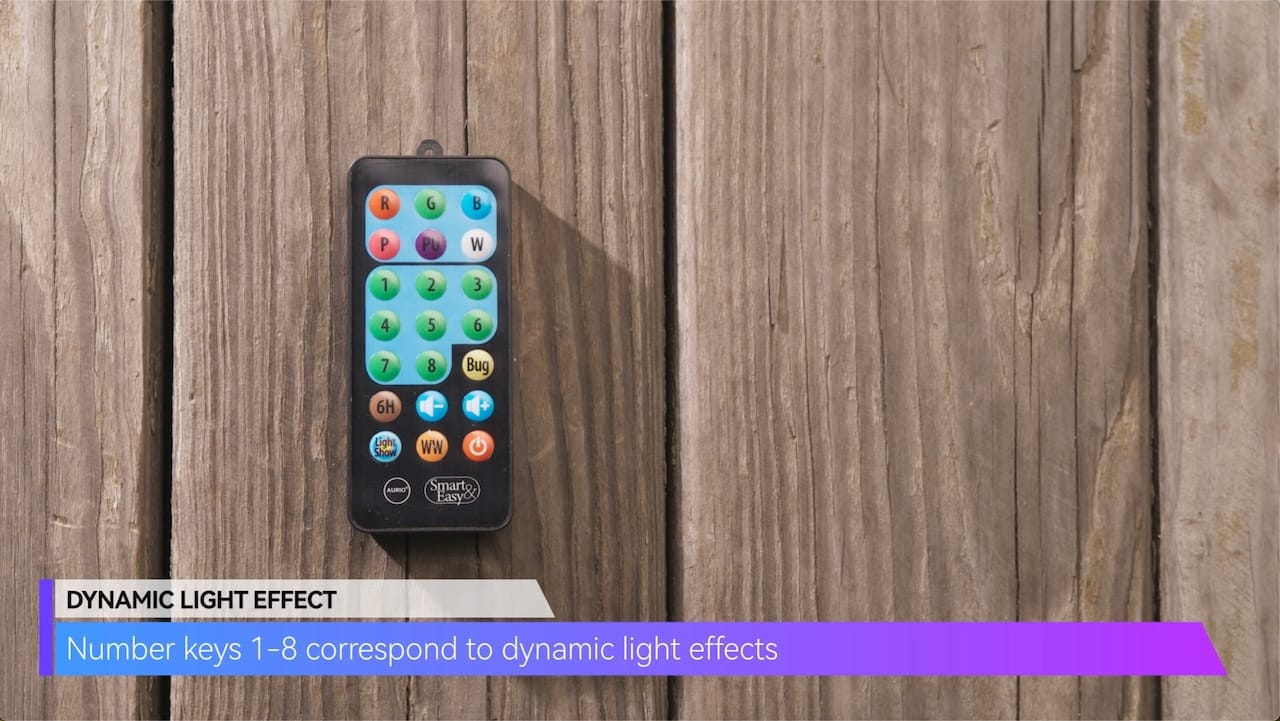
DYNAMIC LIGHT EFFECT
Number keys 1-8 correspond to dynamic light effects
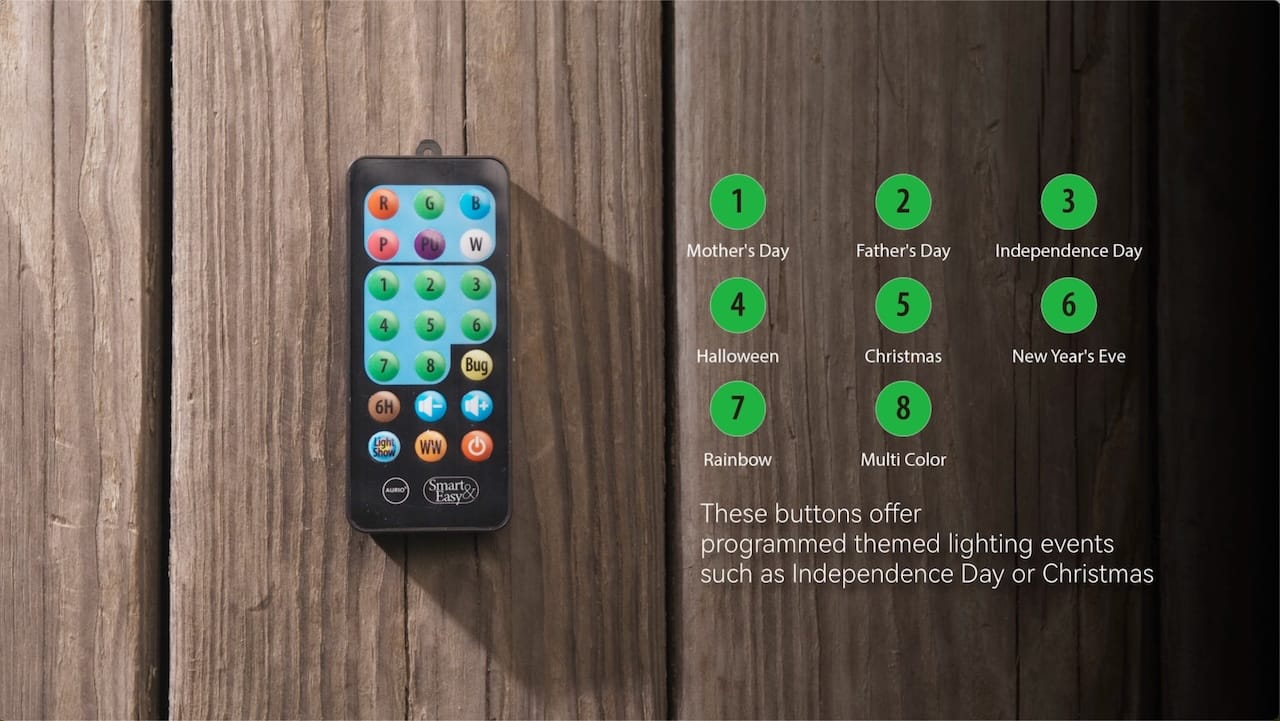
These buttons offer programmed themed lighting events such as Independence Day or Christmas
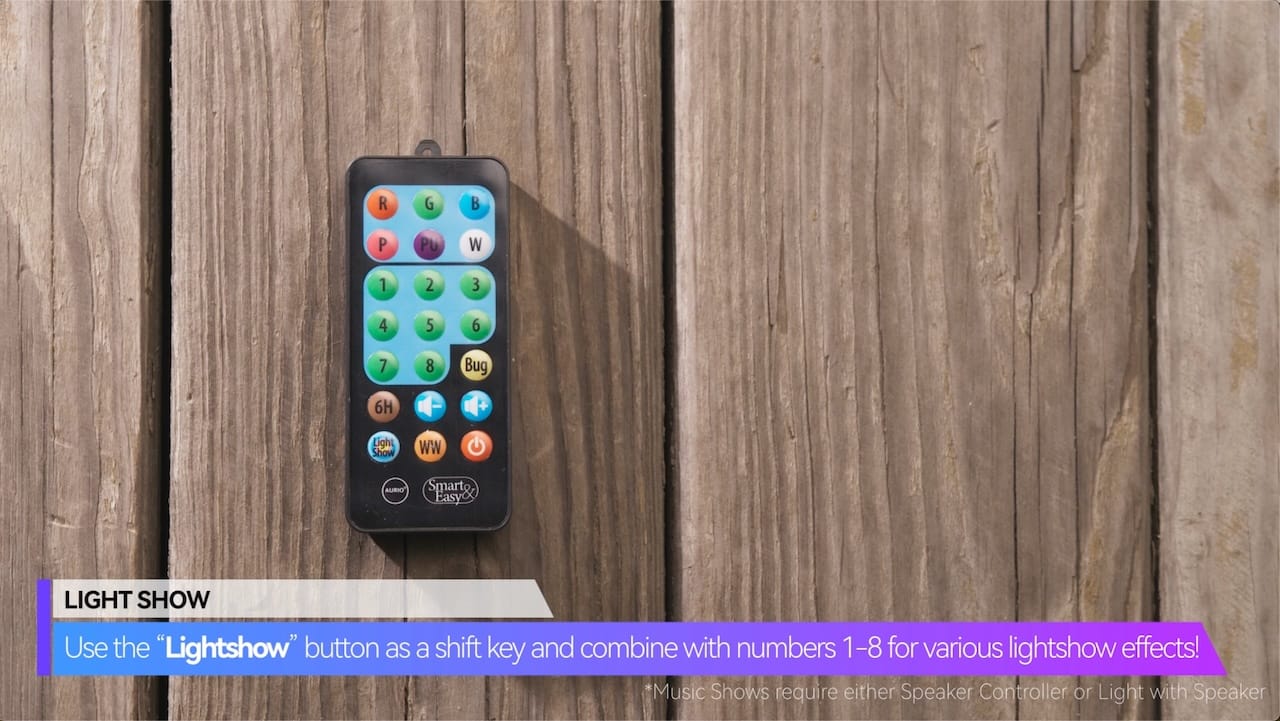
LIGHT SHOW
Use the “Lightshow” button as a shift key and combine with numbers 1-8 for various lightshow effects!
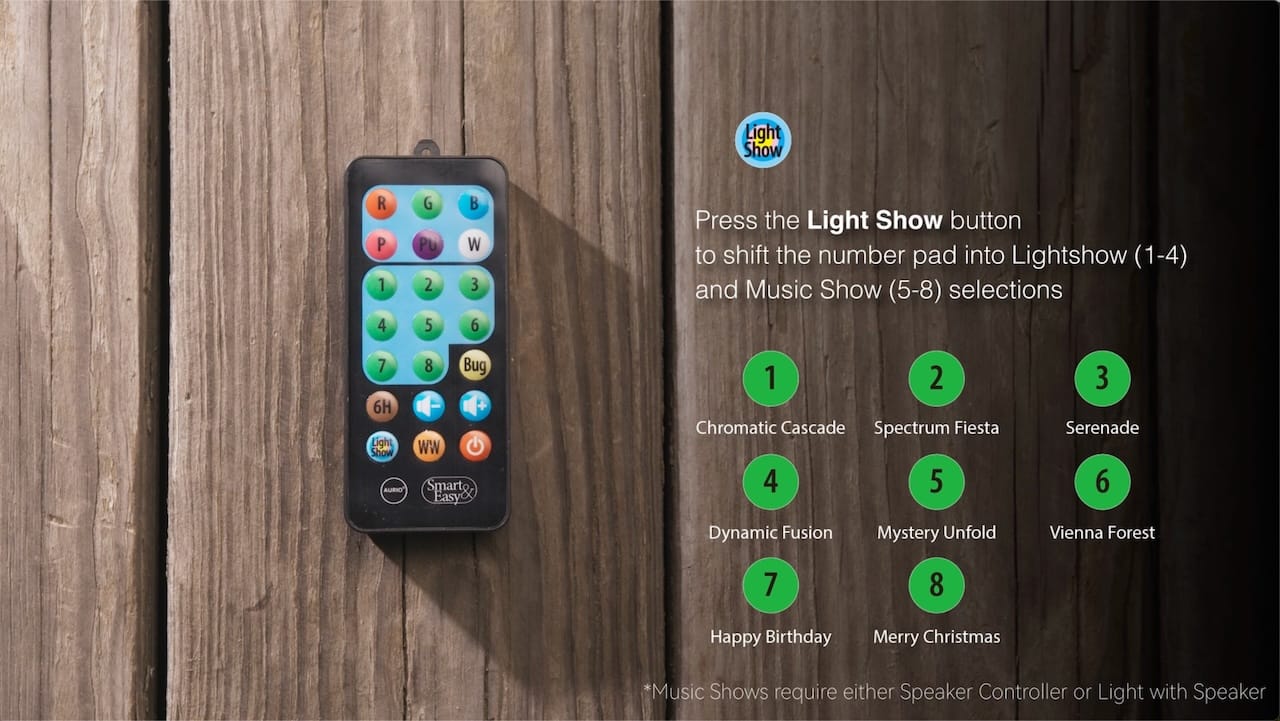
Press the Light Show button to shift the number pad into Lightshow (1-4) and Music Show (5-8) selections
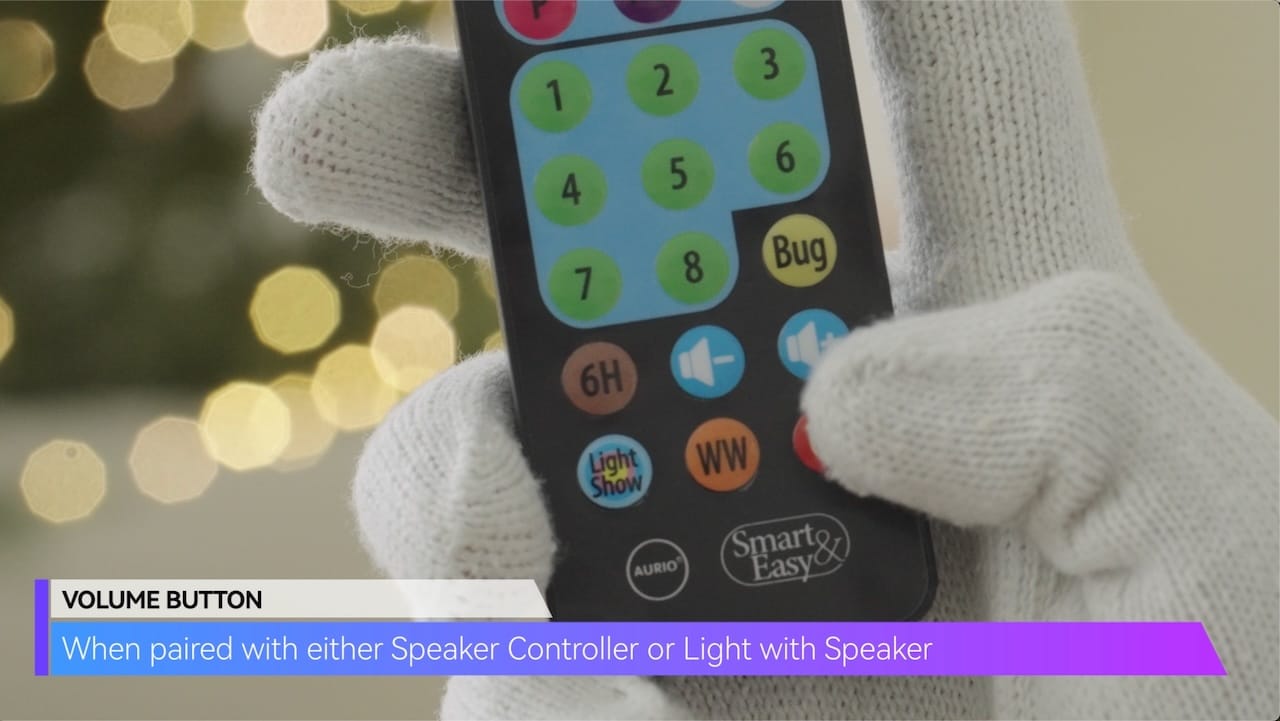
VOLUME BUTTON
When paired with either Speaker Controller or Light with Speaker
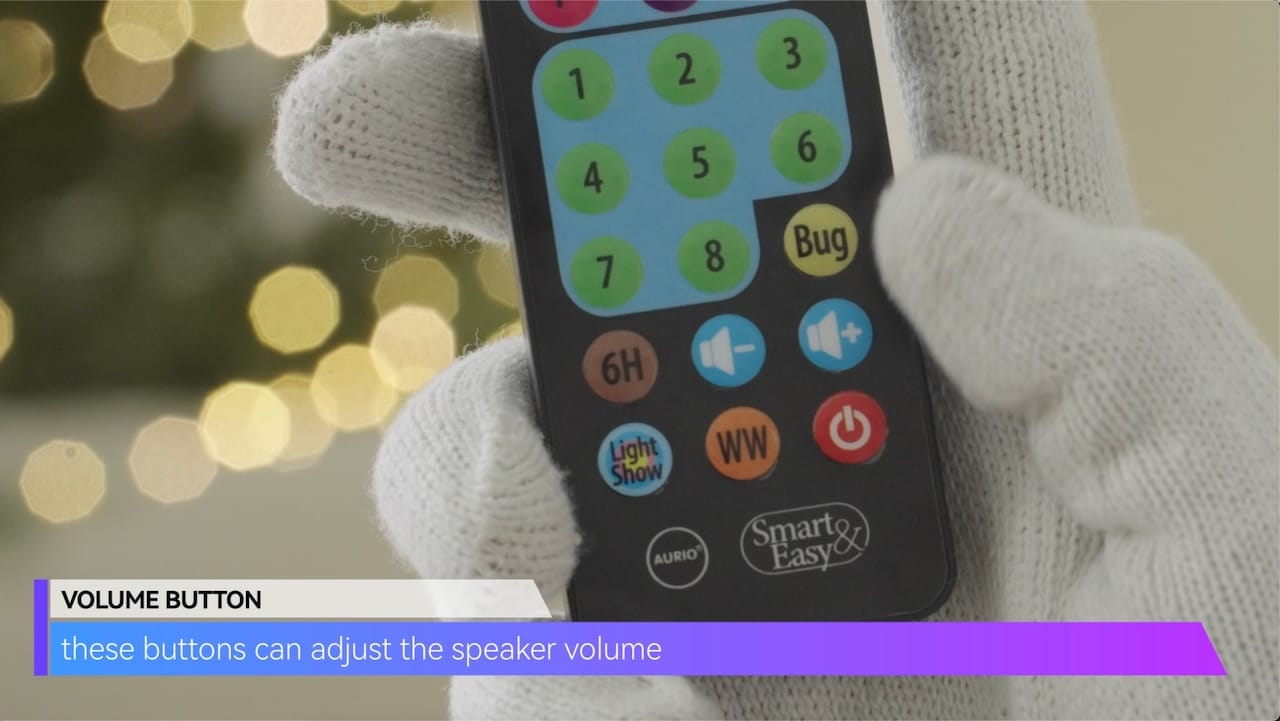
these buttons can adjust the speaker volume
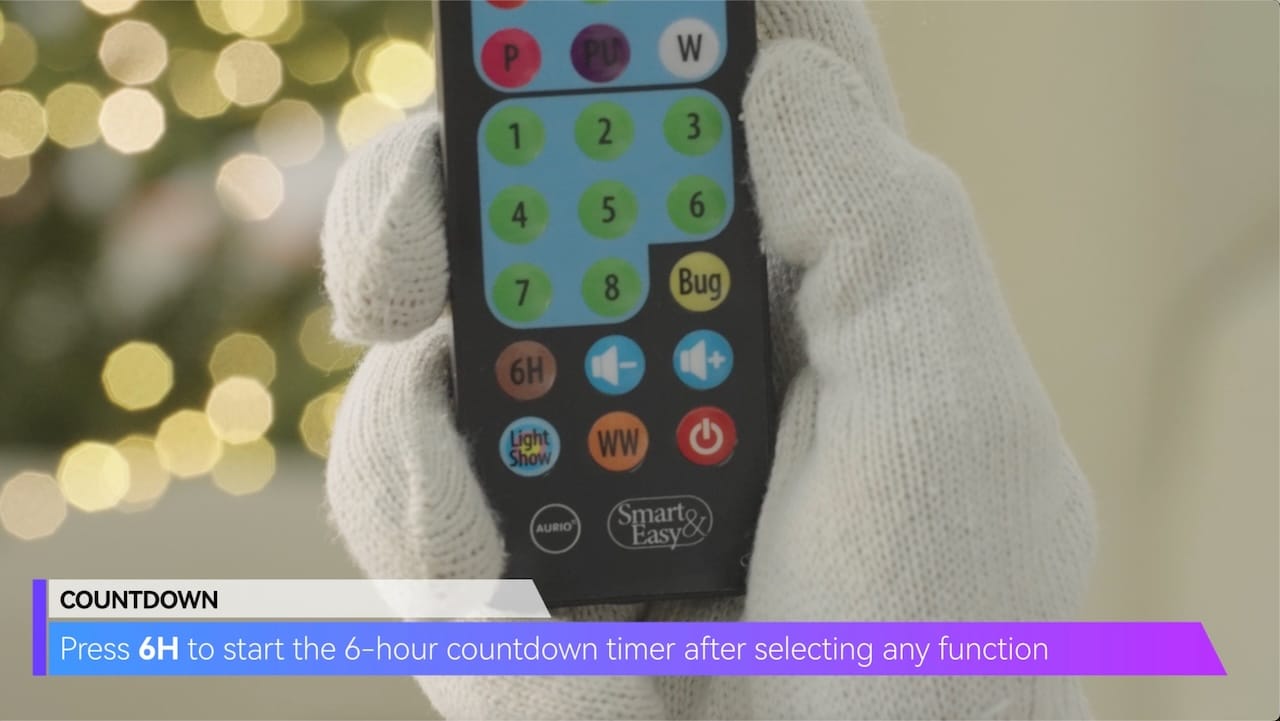
COUNTDOWN
Press 6H to start the 6-hour countdown timer after selecting any function
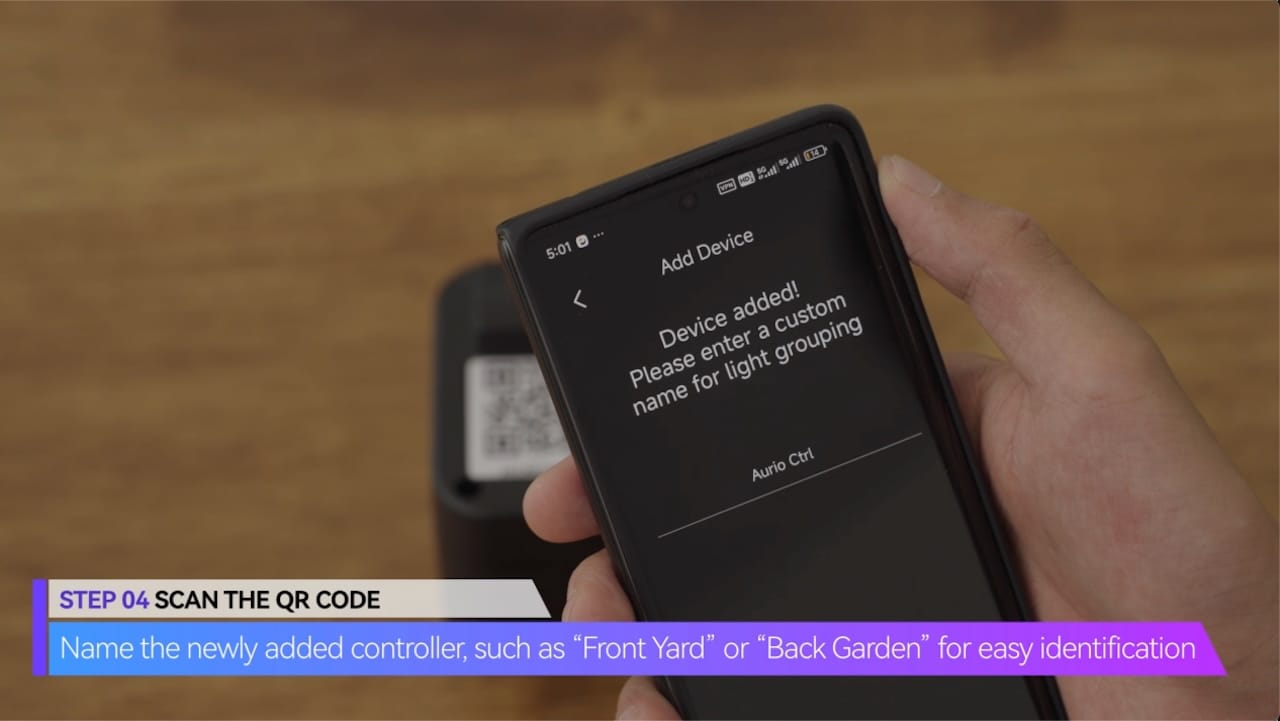
Name the newly added controller, such as “Front Yard” or “Back Garden” for easy identification
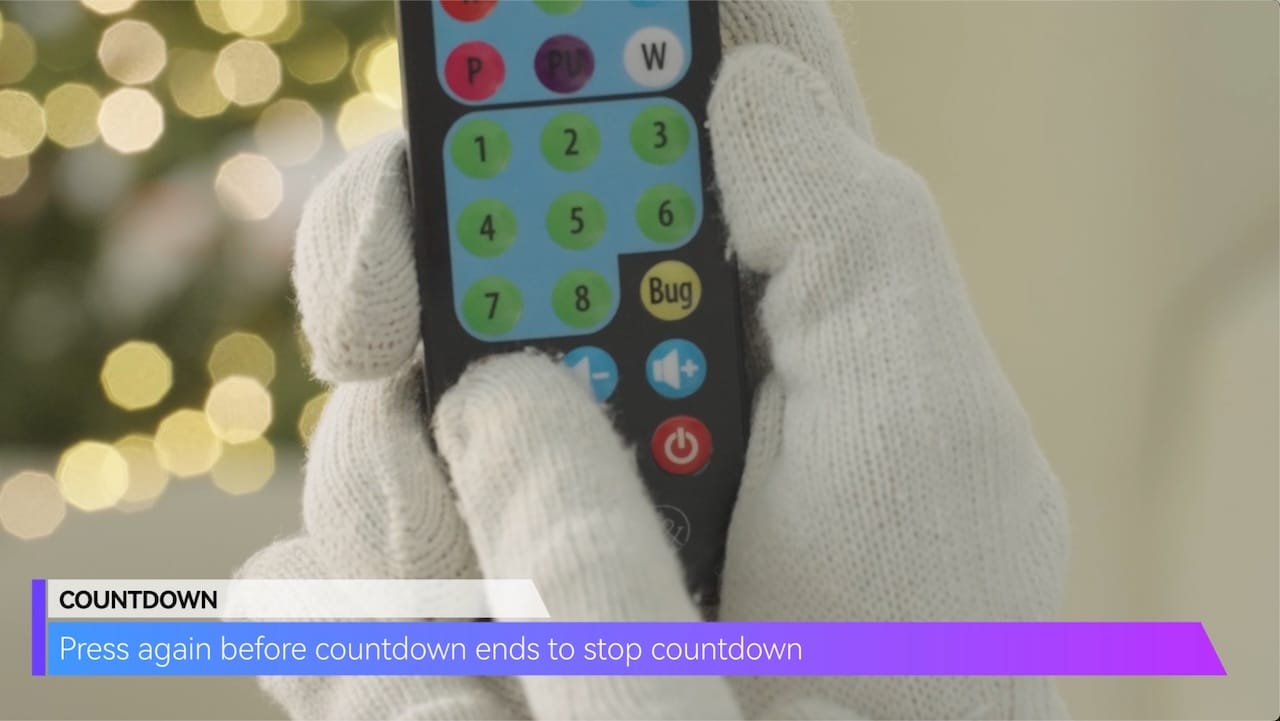
Press again before countdown ends to stop countdown
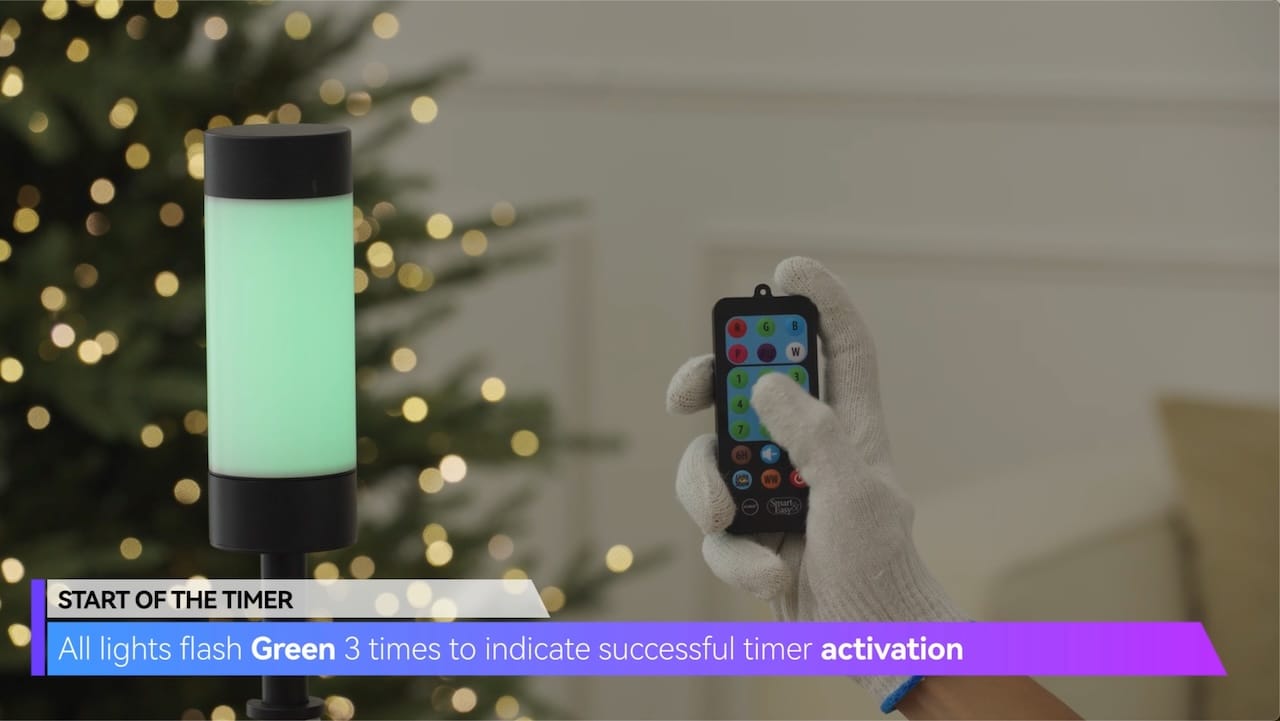
START OF THE TIMER
All lights flash Green 3 times to indicate successful timer activation
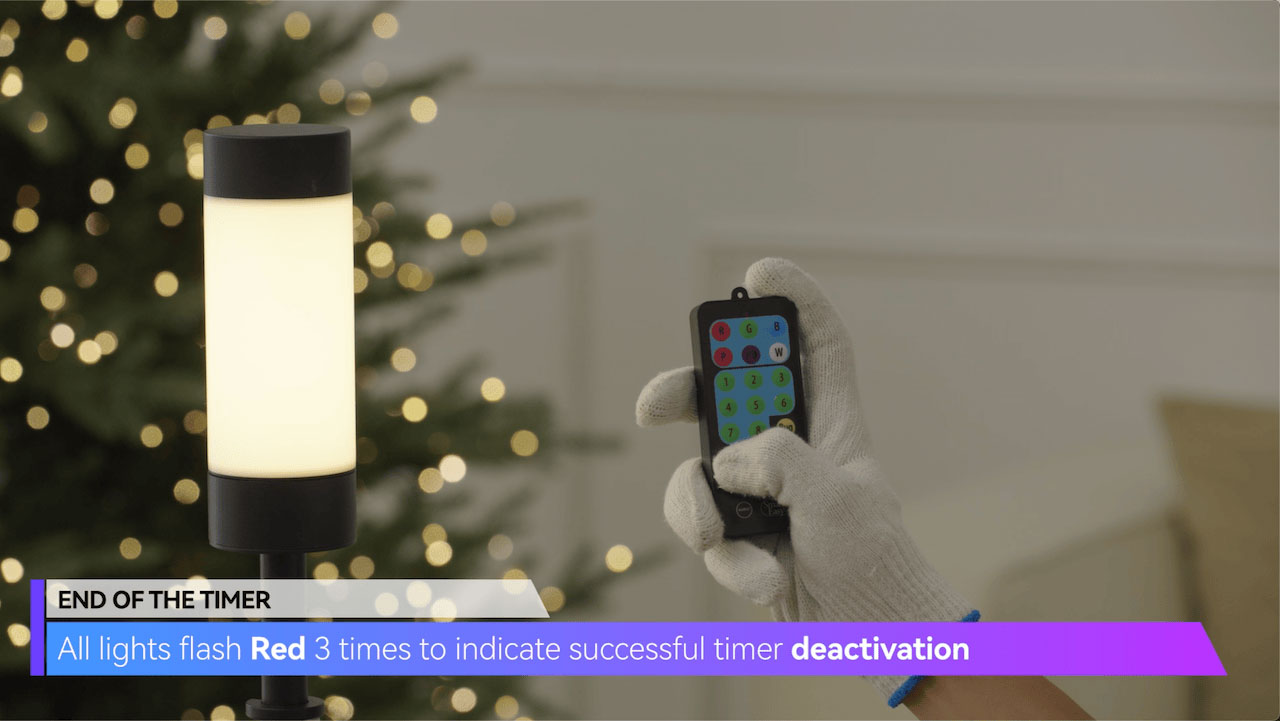
END OF THE TIMER
All lights flash Red 3 times to indicate successful timer deactivation
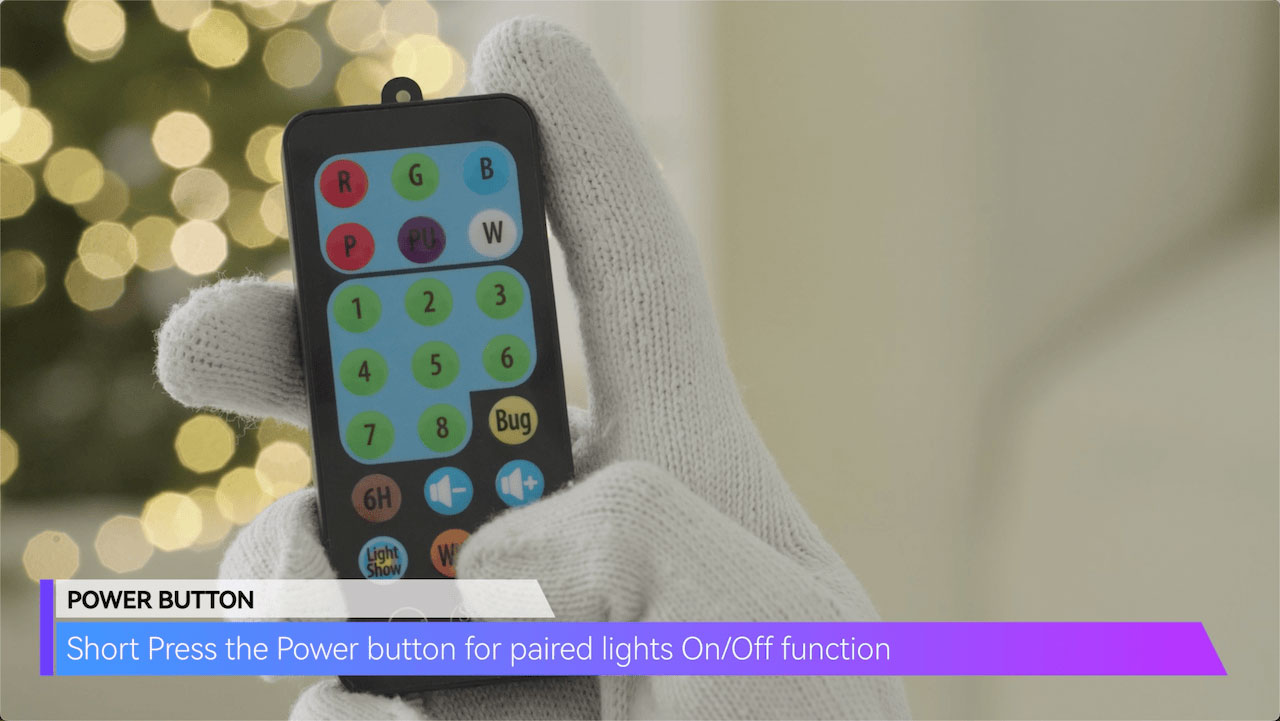
POWER BUTTON
Short Press the Power button for paired lights On/Off function
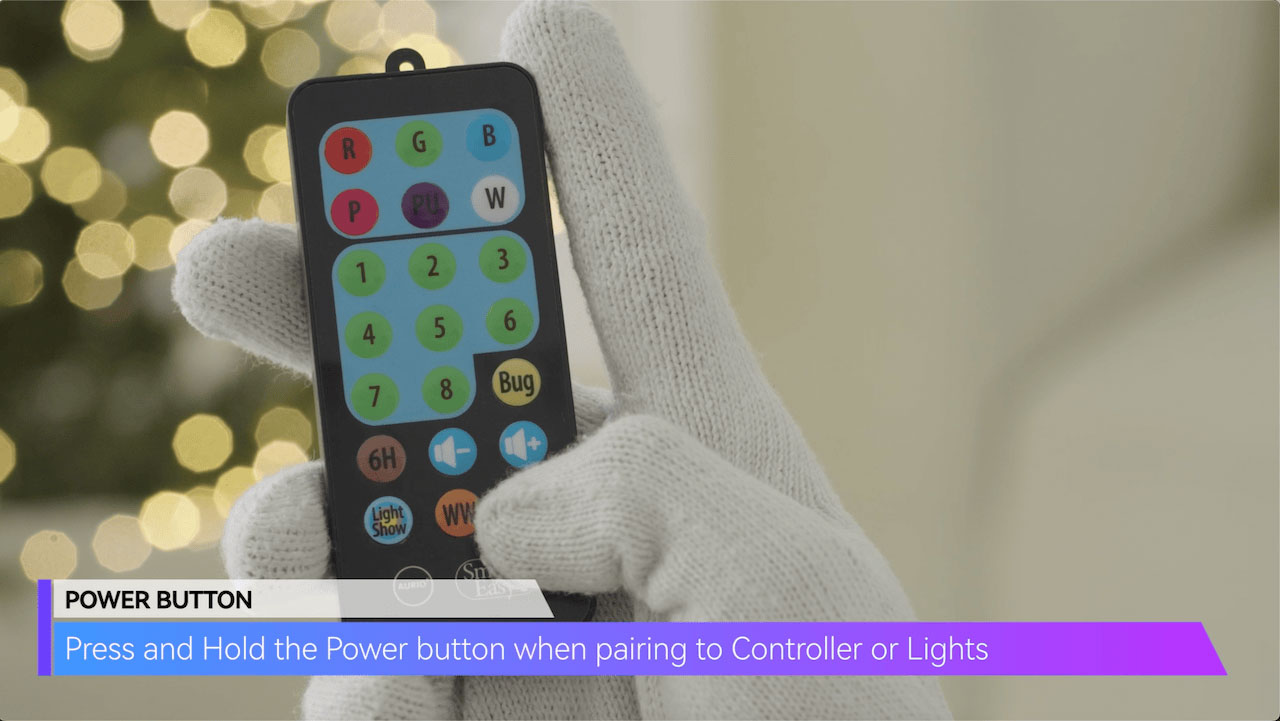
Press and Hold the Power button when pairing to Controller or Lights