
Graphic Tutorial
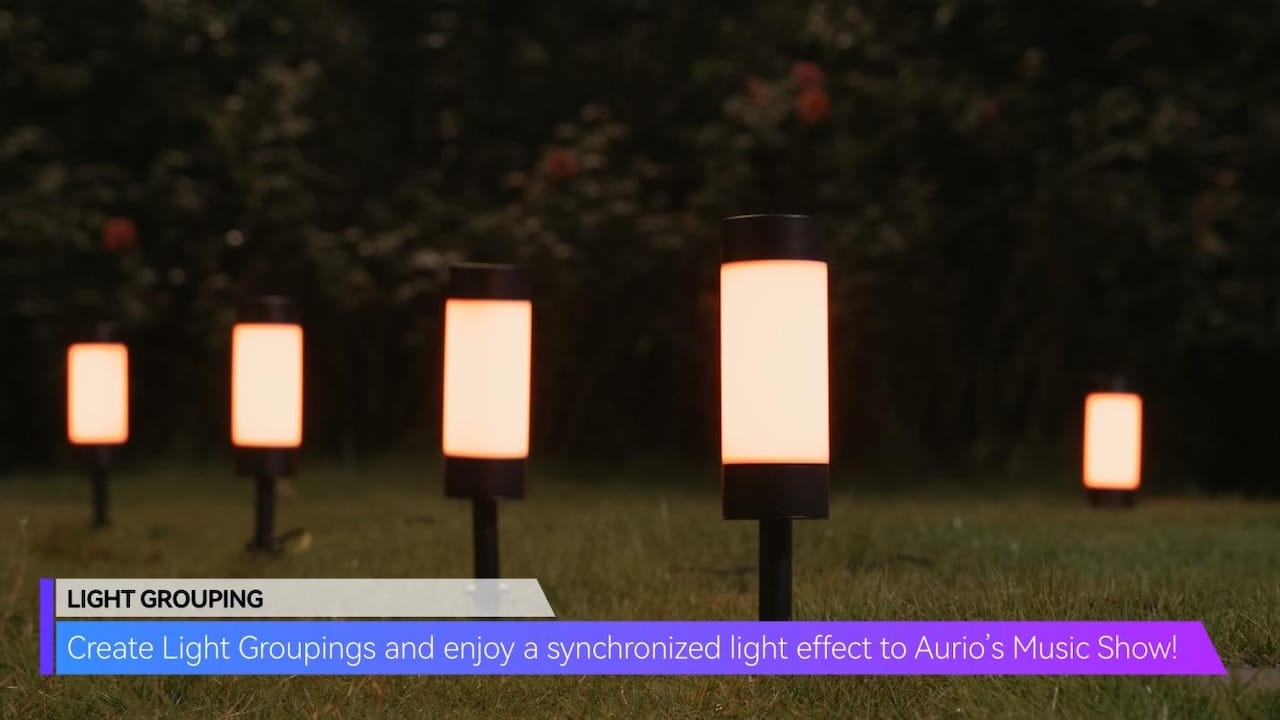
LIGHT GROUPING
Create Light Groupings and enjoy a synchronized light effect to Aurio’s Music Show!
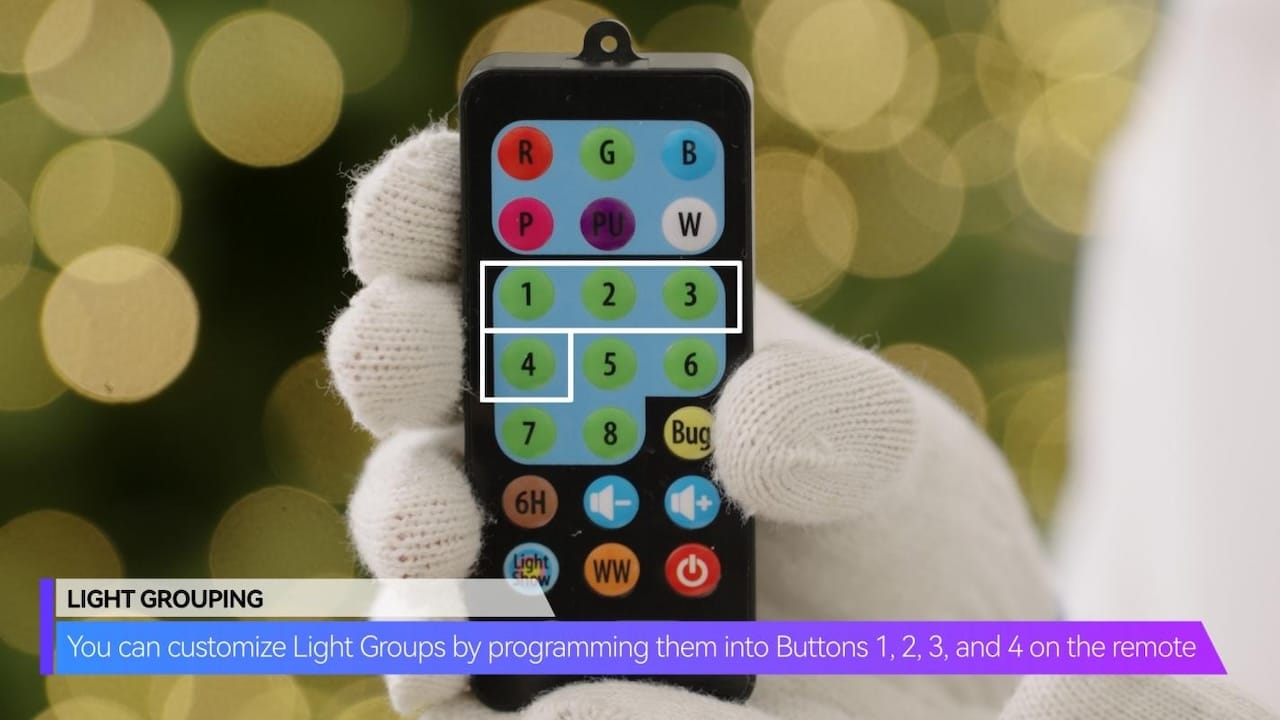
You can customize Light Groups by programming them into Buttons 1, 2, 3, and 4 on the remote!
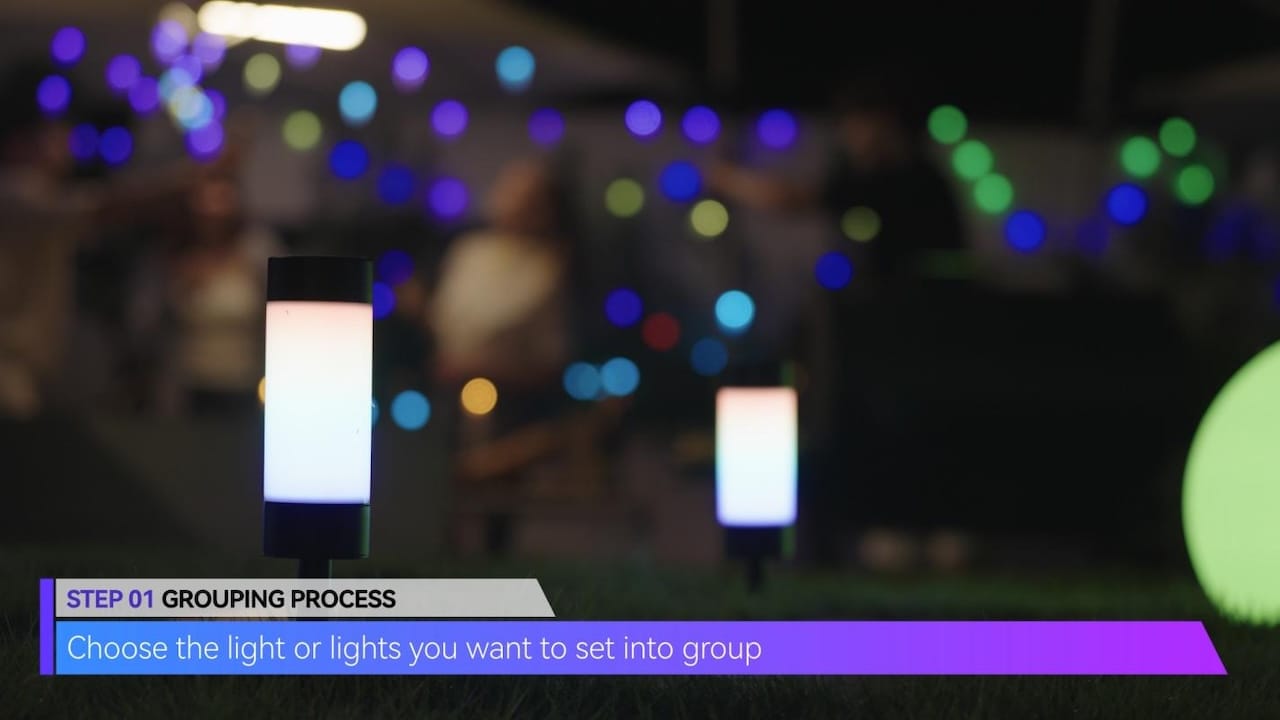
GROUPING PROCESS
– Step 1: Choose the light or lights you want to set into group
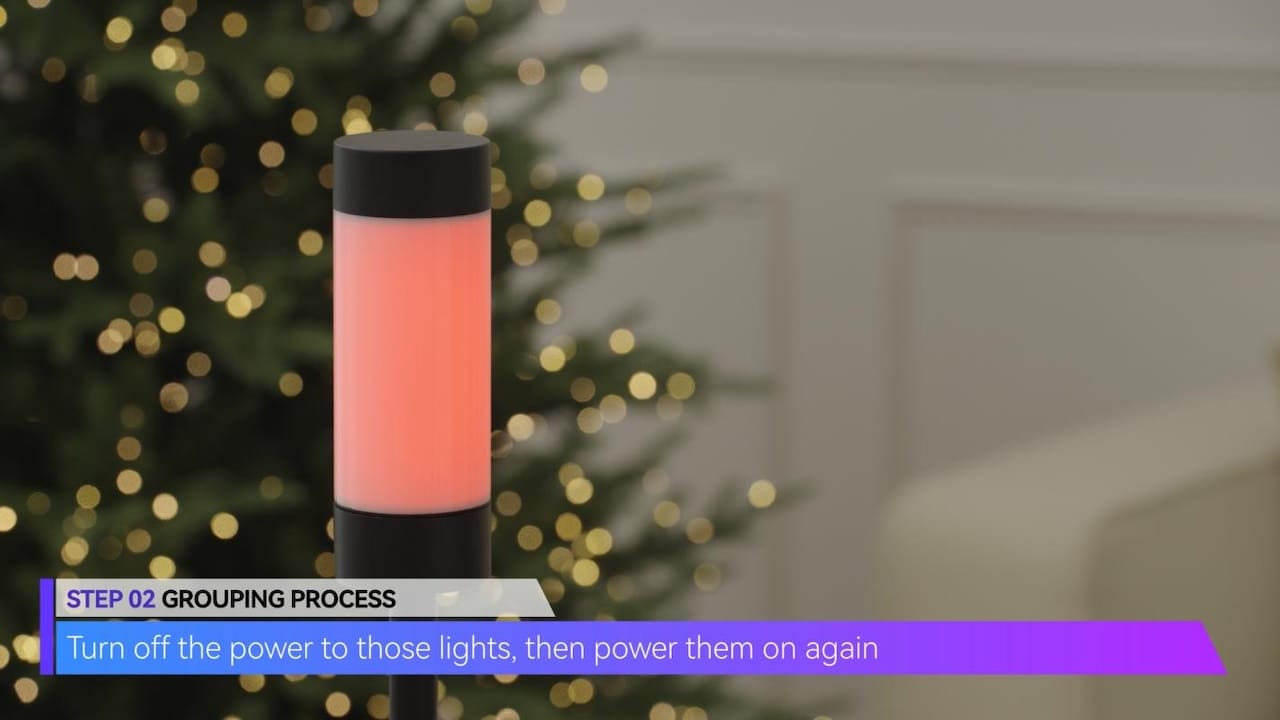
– Step 2: Turn off the power to those lights, then power them on again.
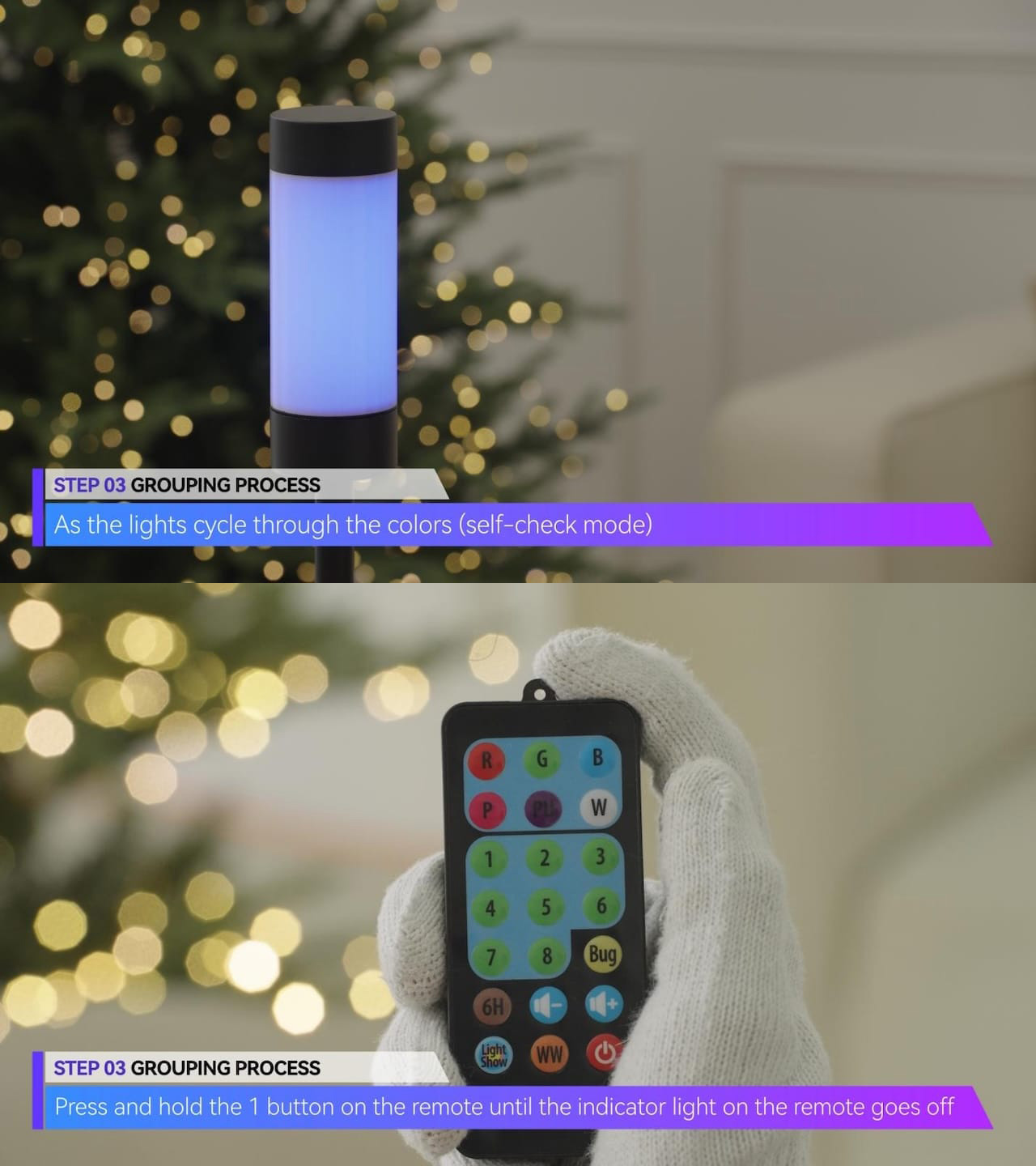
– Step 3: As the lights cycle through the colors (self-check mode) press and hold the 1 button on the remote until the indicator light on the remote goes off, then release the button.
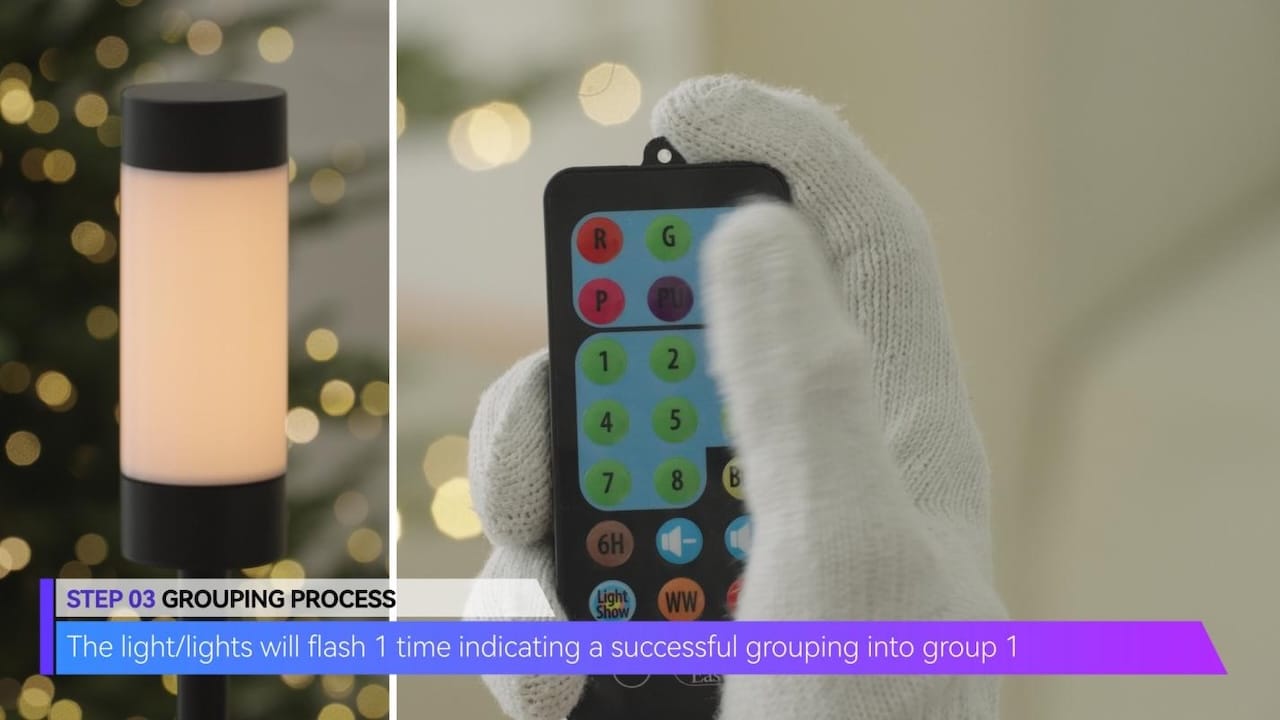
– The light/lights will flash 1 time indicating a successful grouping into group 1.
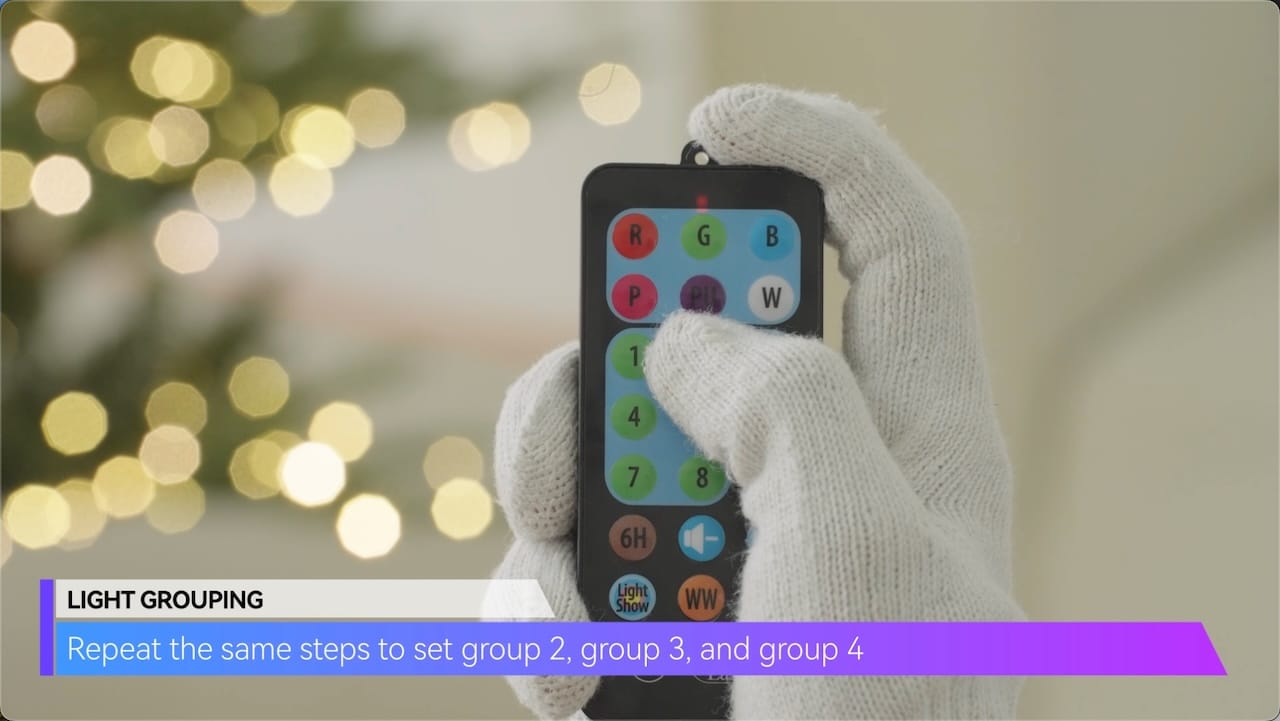
Repeat the same steps to set group 2, group 3, and group 4
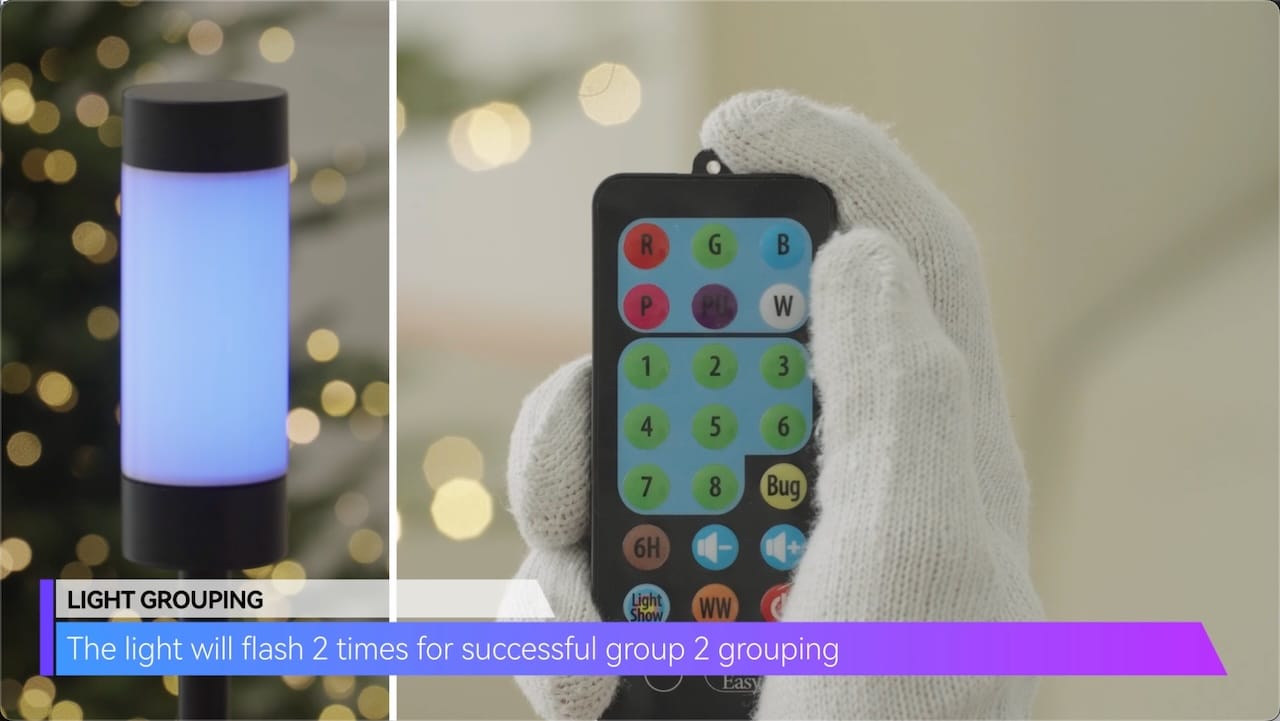
The light will flash 2 times for successful group 2 grouping
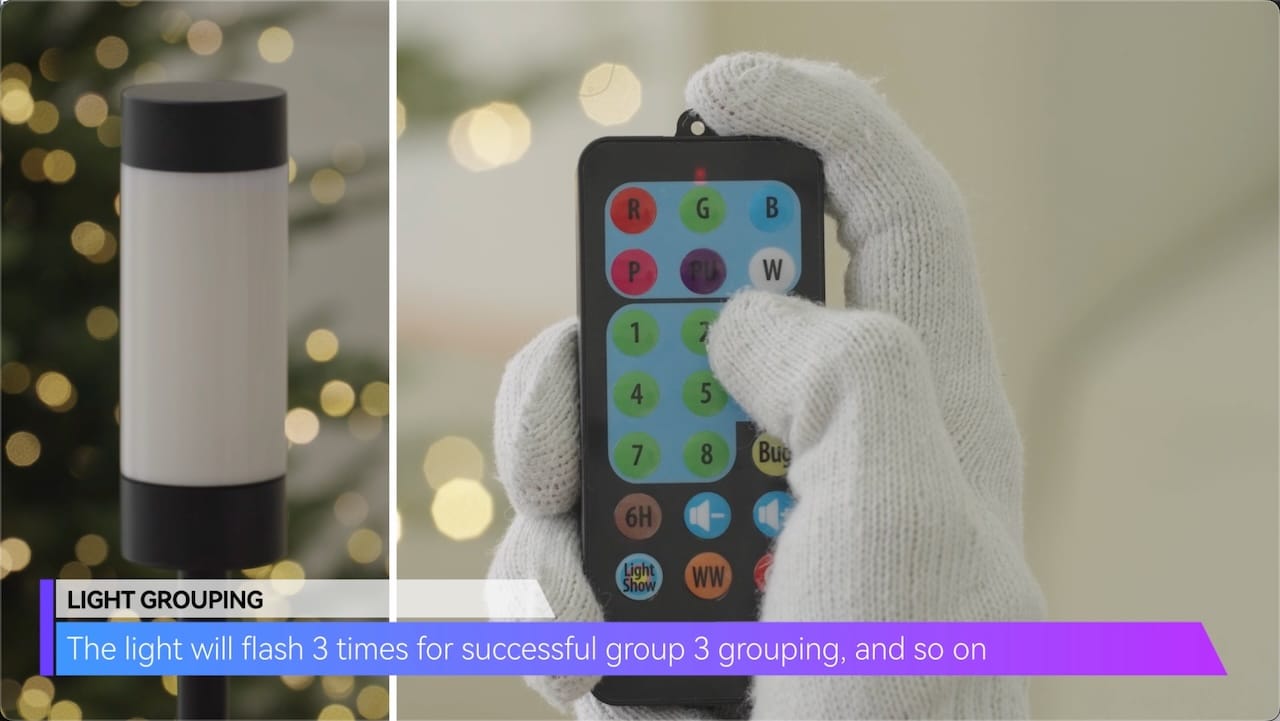
The light will flash 3 times for successful group 3 grouping,and so on
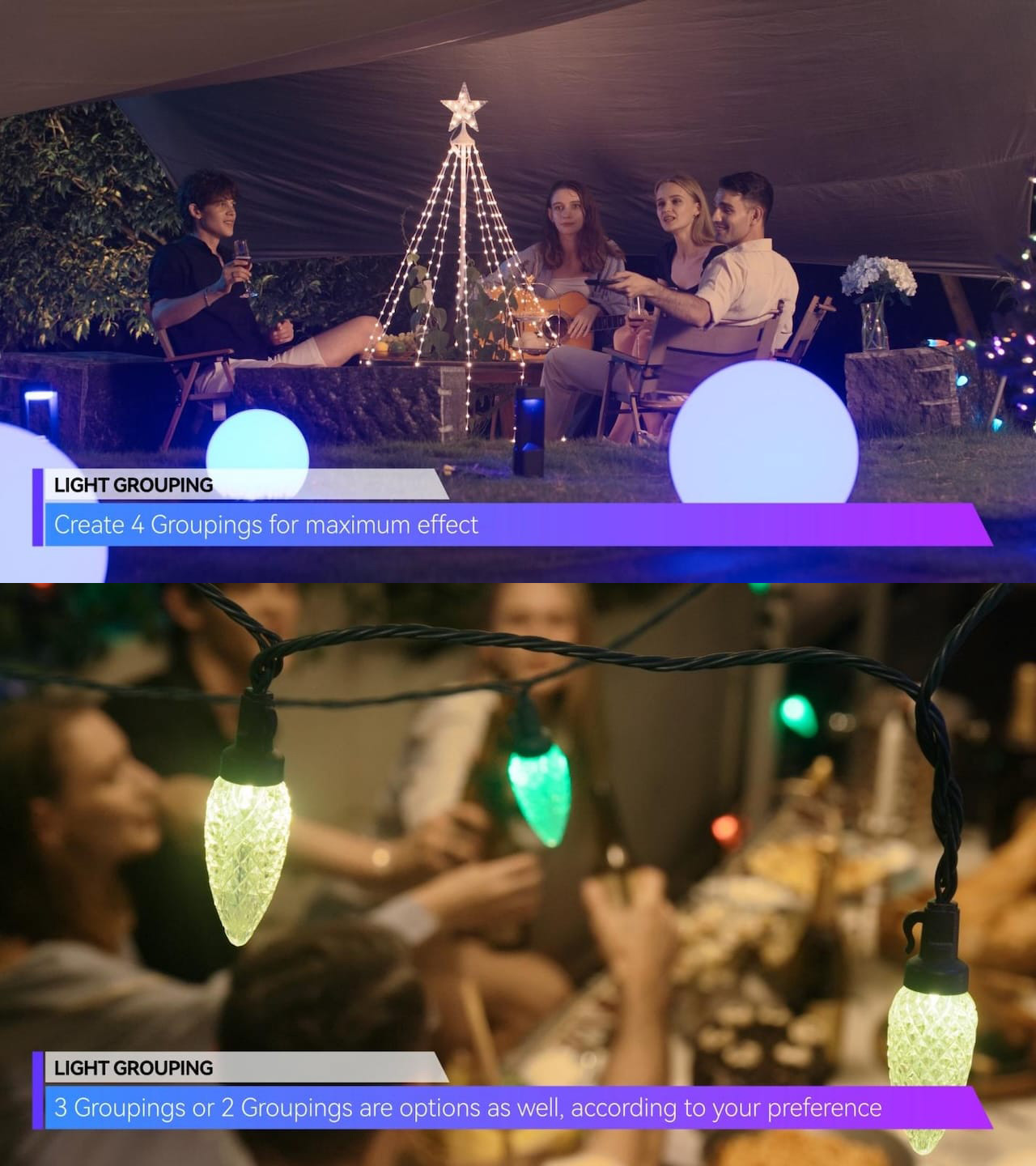
Create 4 Groupings for maximum effect! 3 Groupings or 2 Groupings are options as well, according to your preference.
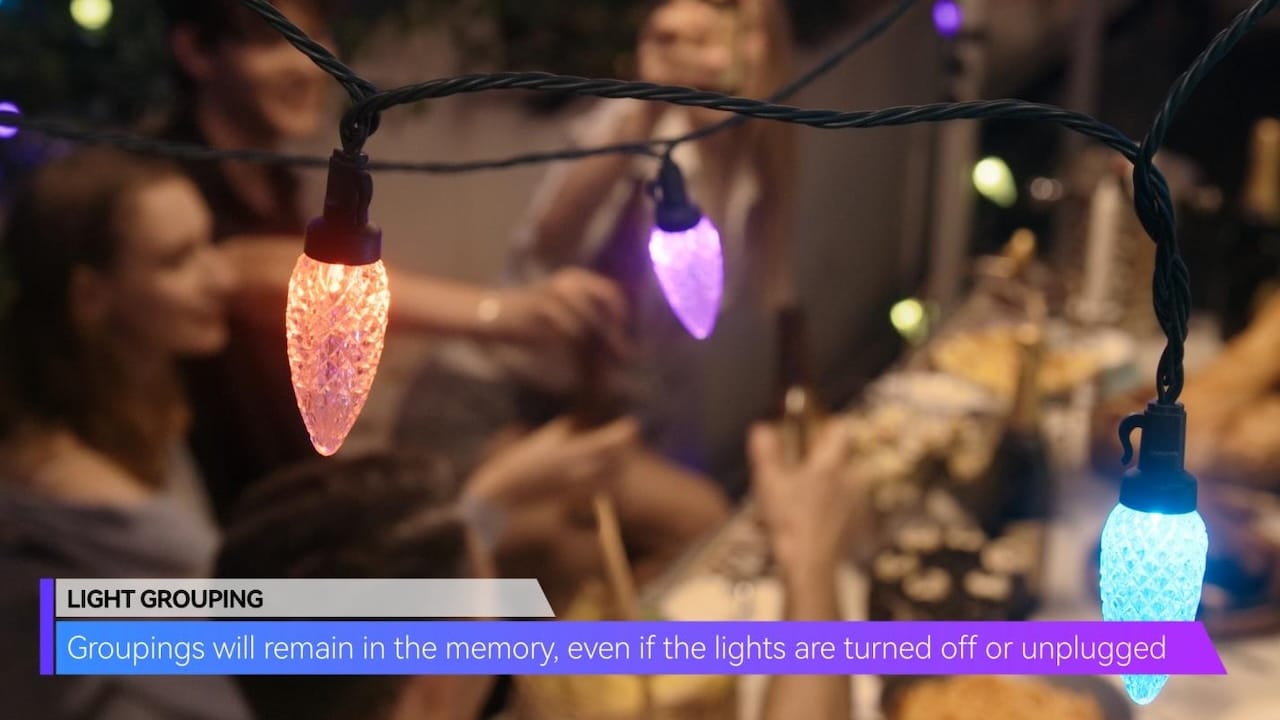
Groupings will remain in the memory, even if the lights are turned off or unplugged.
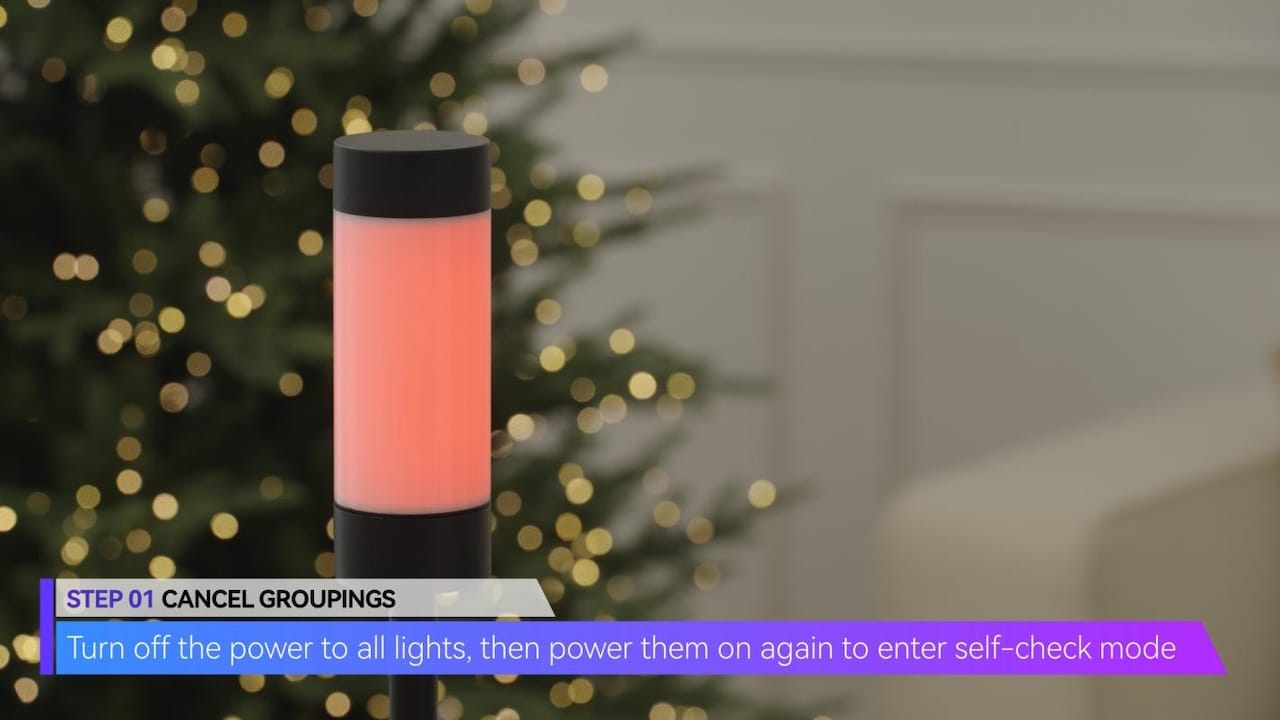
How to Cancel Groupings
– Step 1: Turn off the power to all lights, then power them on again to enter self-check mode.
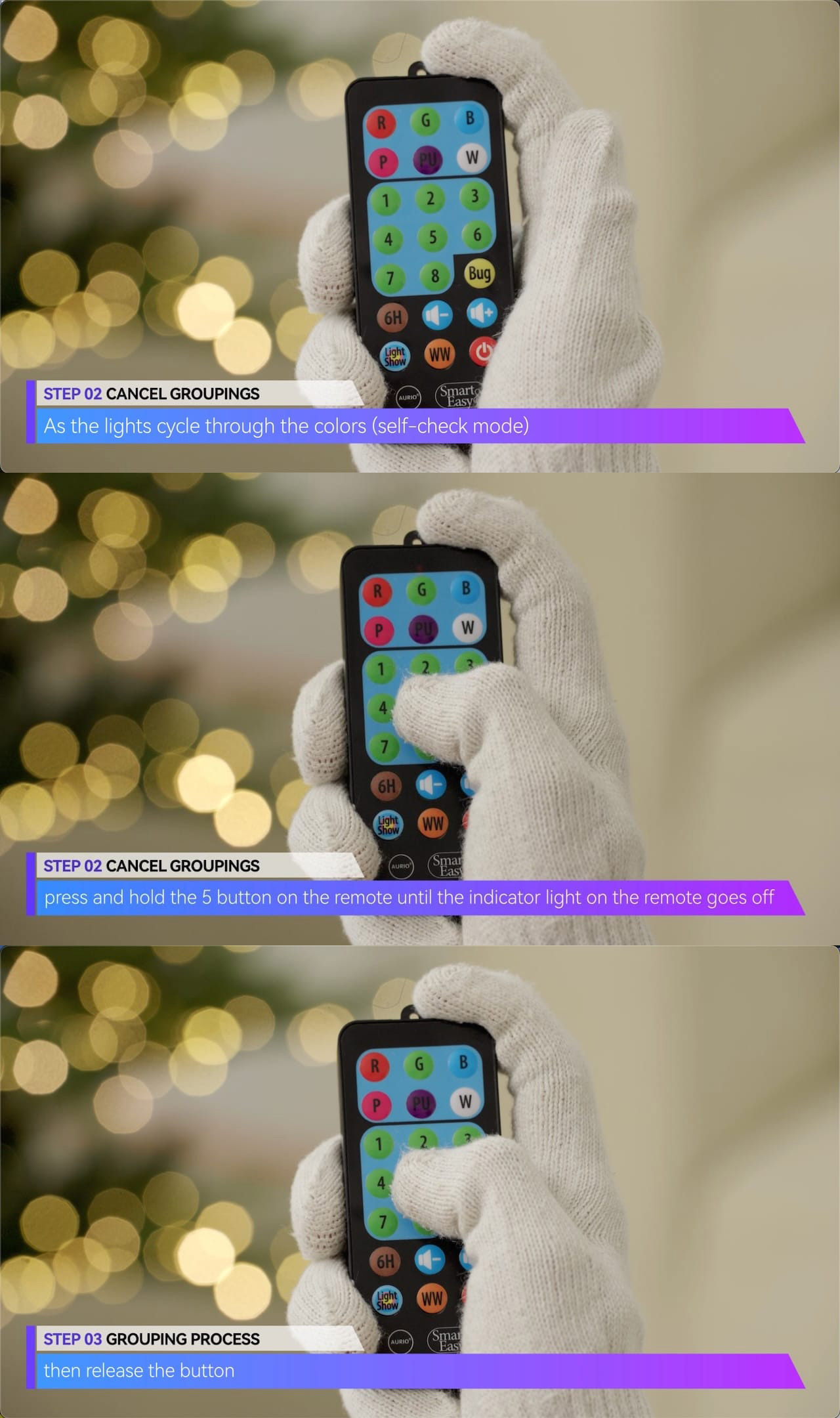
– Step 2: As the lights cycle through the colors (self-check mode), press and hold the 5 button on the remote until the indicator light on the remote goes off, then release the button.
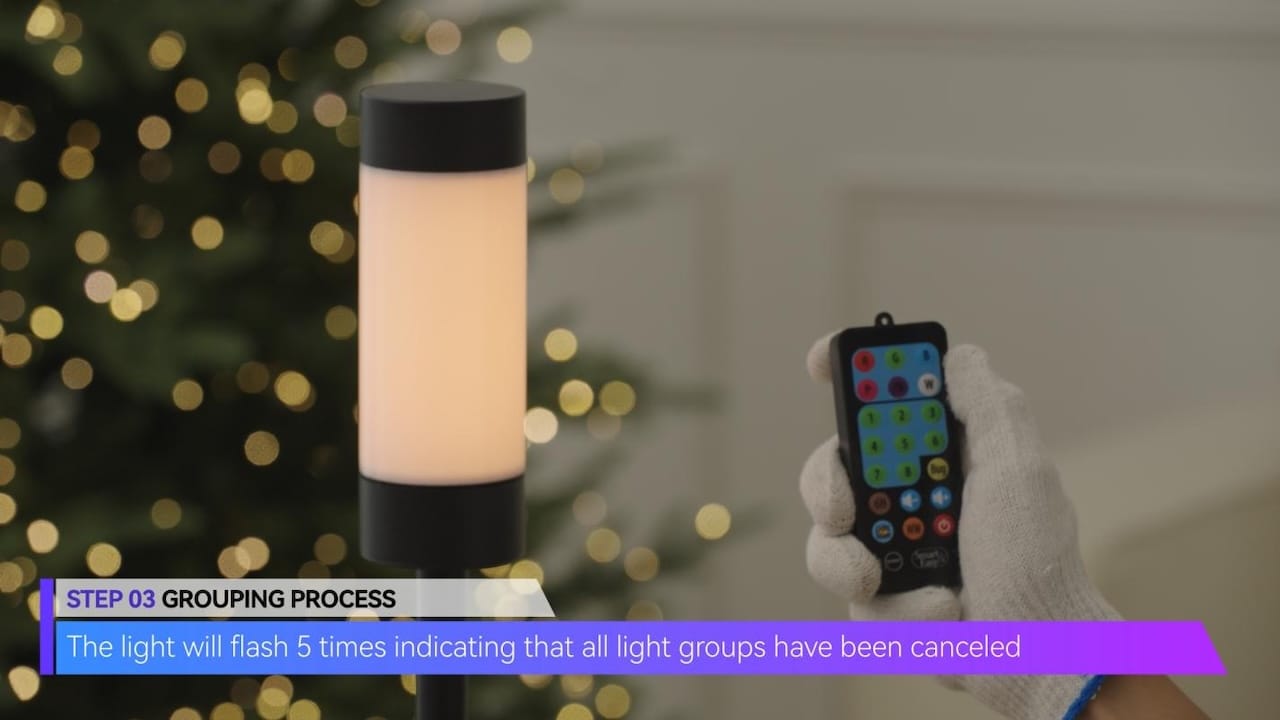
– The light will flash 5 times indicating that all light groups have been canceled.
TIPS
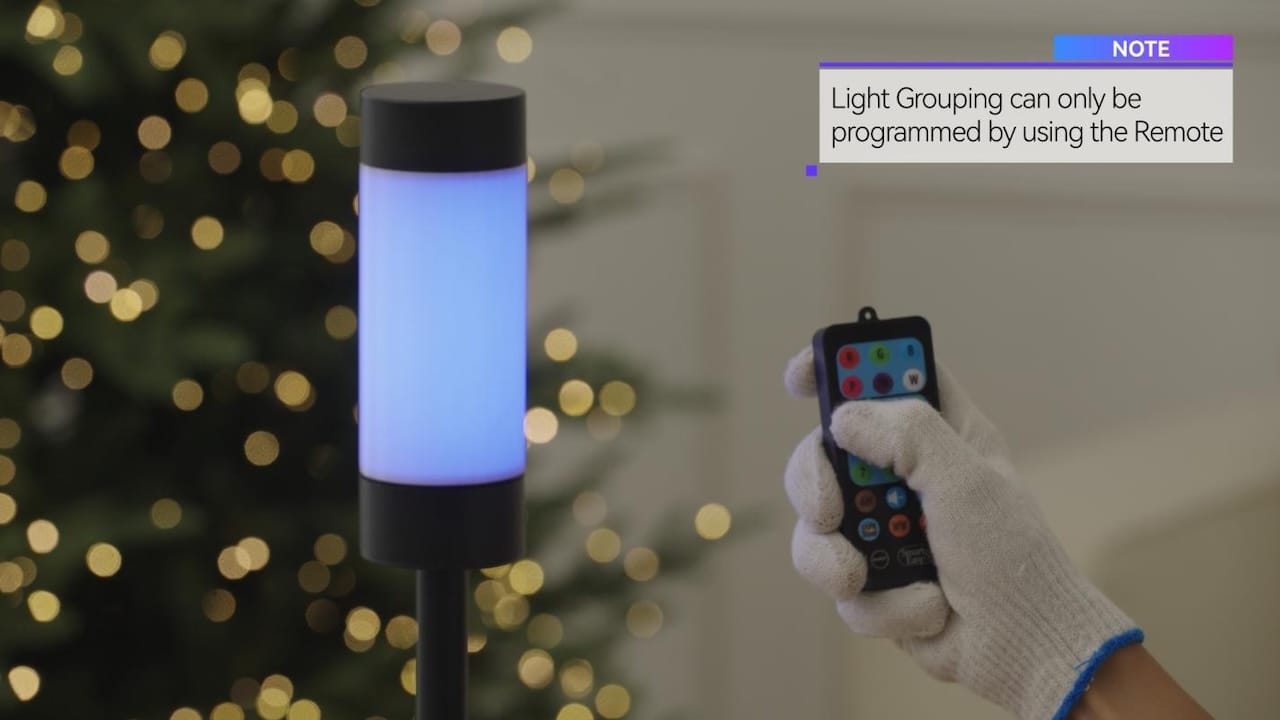
– Light Grouping can only be programmed by using the Remote.
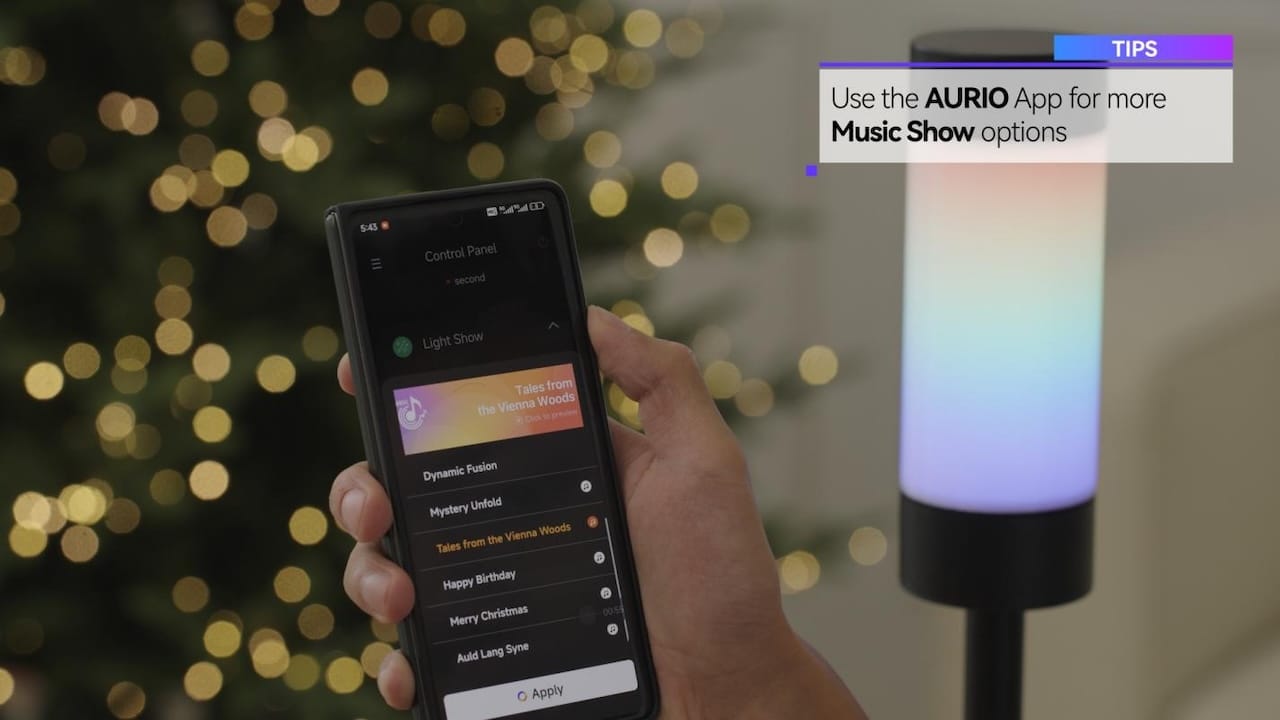
– Use the AURIO App for more Music Show options.
Thank you for choosing Aurio Smart & Easy!